Managed vs. Not Managed Streaming Outputs
Updated
Overview
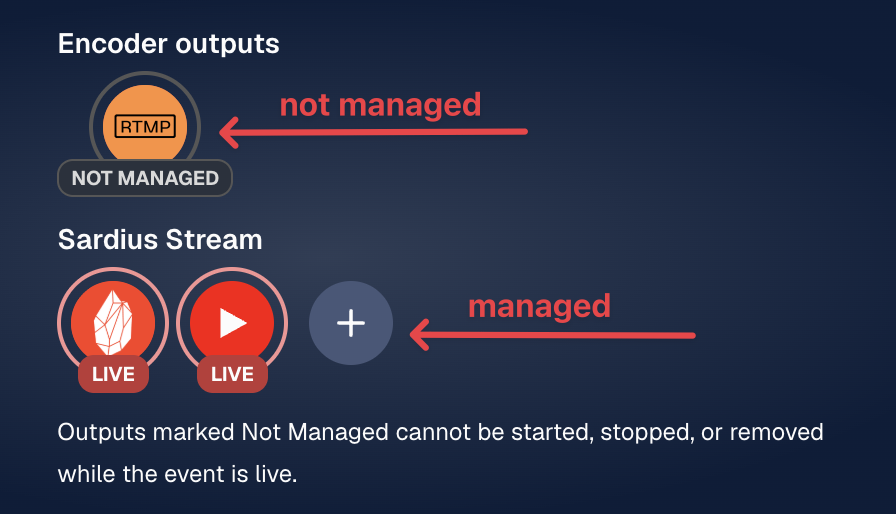
Each live event shows its streaming outputs. How much control you have over an output depends on whether it's managed through Sardius Stream or configured directly on your encoder.
| Output type | Where it's configured | What you can see | What you can do while live |
|---|---|---|---|
| Managed | Sardius Stream | Status: live, offline, or trying to connect | Stop and restart |
| Not Managed | Directly on your encoder, including Entrypoint | Live status, destination URL, and failure reason | View only |
Default Output
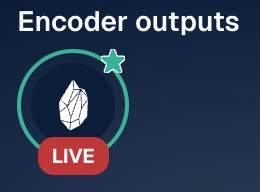
A green circle around an output means it's the default. The default output goes straight to your Channel stream.
Managed Outputs
Outputs managed through Sardius Stream have a status ring that shows whether the output is live, offline, or trying to connect.
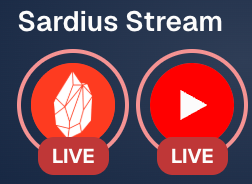
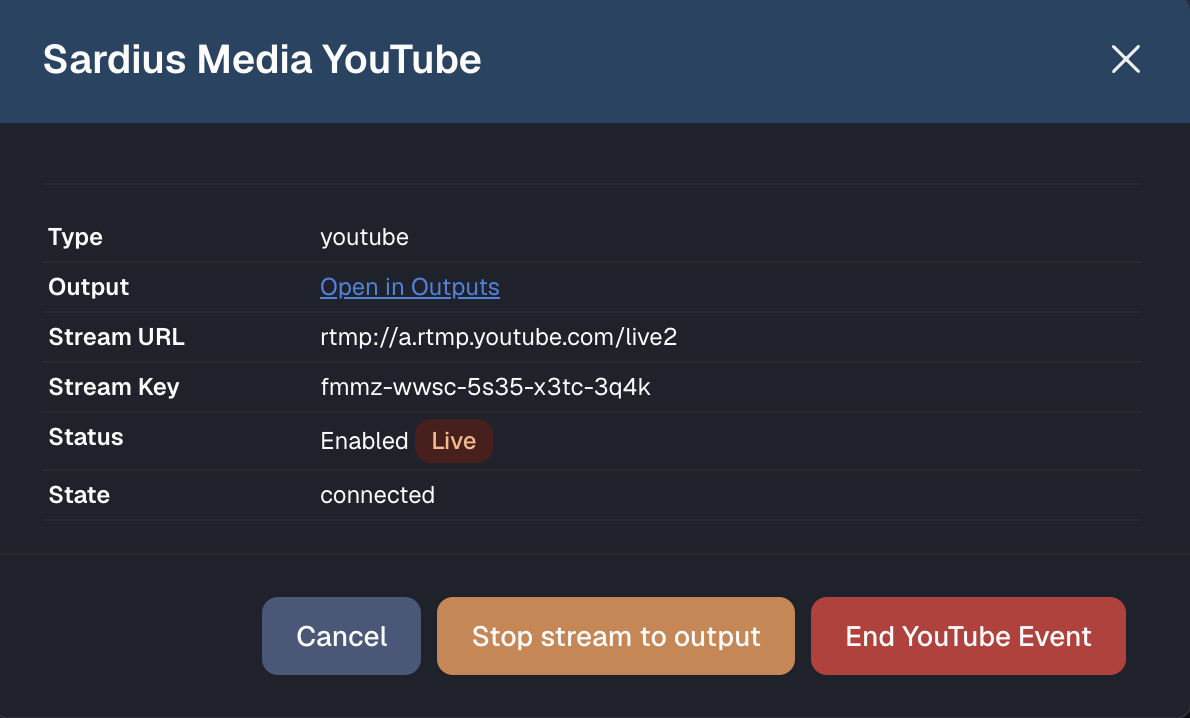
If a managed output is having trouble, you can stop it and restart it.
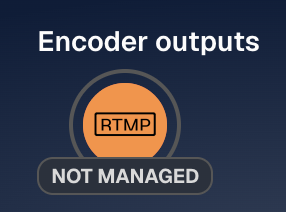
Not Managed Outputs
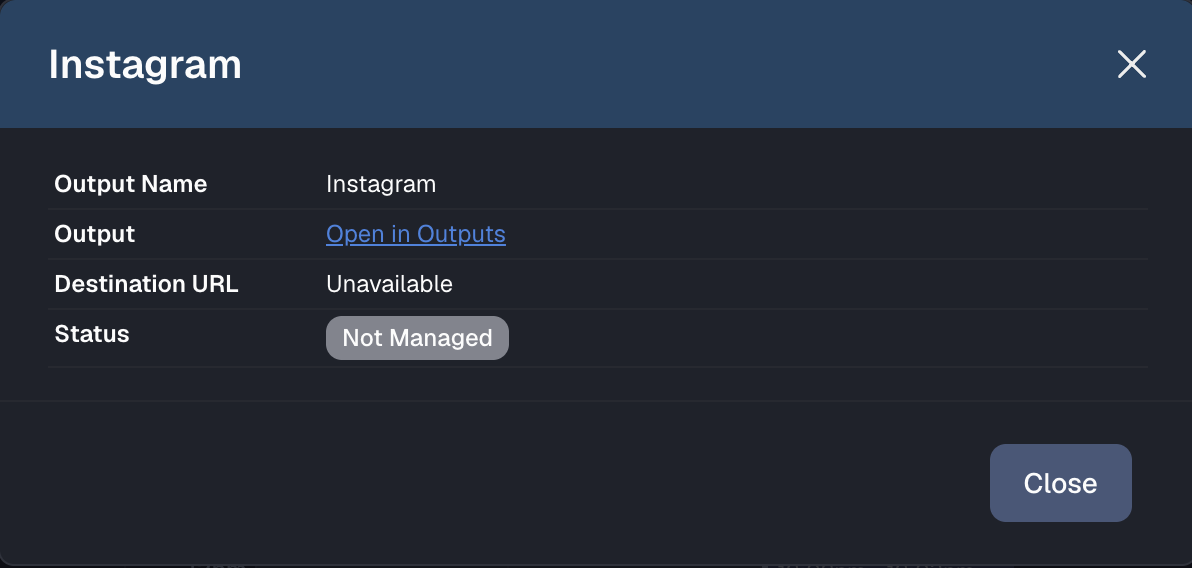
Outputs from Entrypoint, or any output configured directly on your encoder, appear in the list marked Not Managed. For each one, you can see:
- Whether it's live
- Its destination URL
- The failure reason, if something is wrong