Commonly used Customized Roles and Permissions Levels
Updated
This article outlines commonly used custom roles and permission levels in the Sardius Control Panel, helping administrators assign the appropriate level of access to team members based on their responsibilities.
ASSET MANAGER
Purpose:
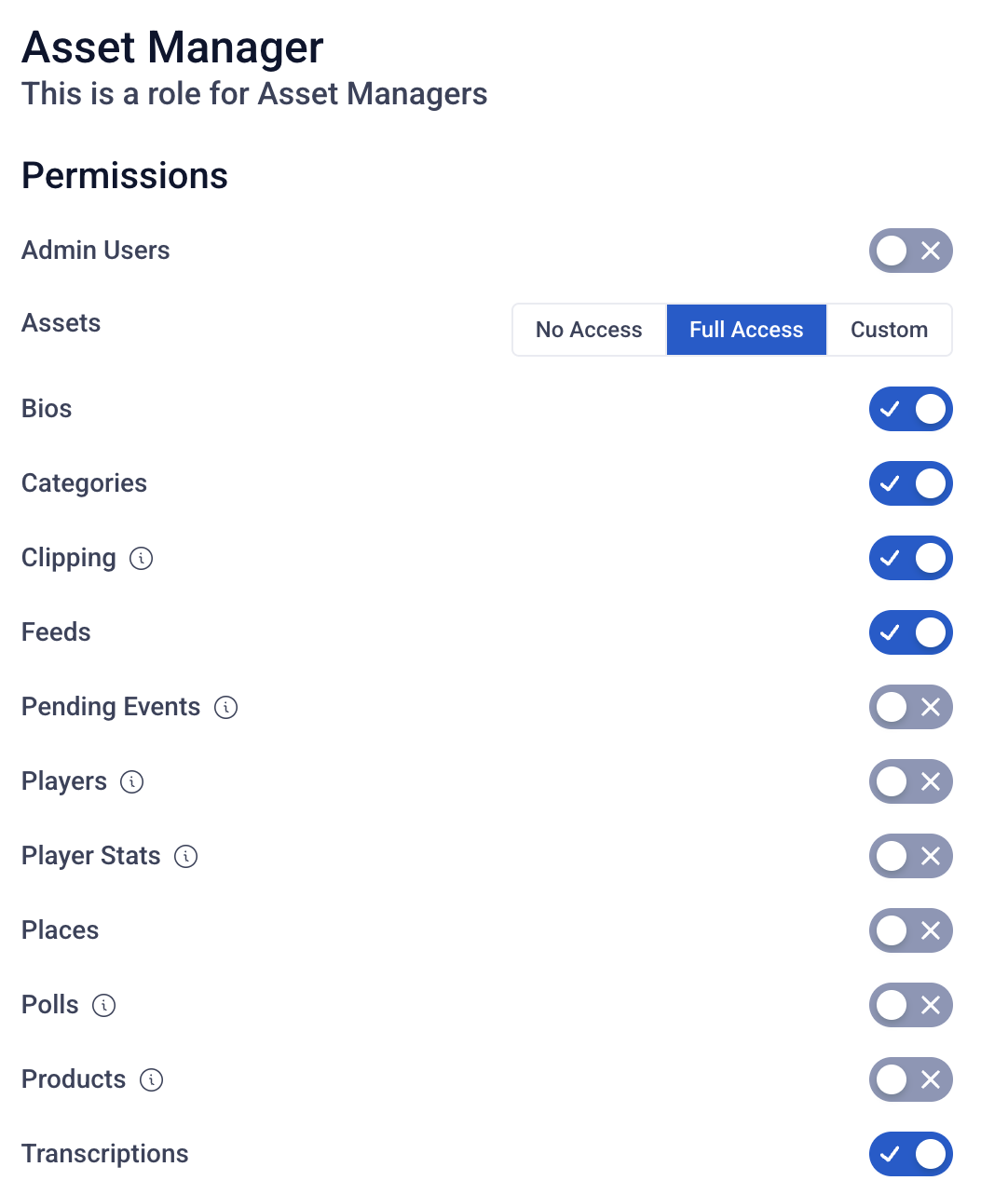
The Asset Manager role is designed for users responsible for organizing, managing, and maintaining your media library. This role provides full control over assets and their supporting metadata, without granting access to broader administrative or site configuration settings.
Permissions:
Grant "Full Access" to:
- Assets
- Bios
- Categories
- Clipping
- Feeds
- Transcriptions
This role is intentionally limited to content and media management.
EVENT TEAM
Purpose:
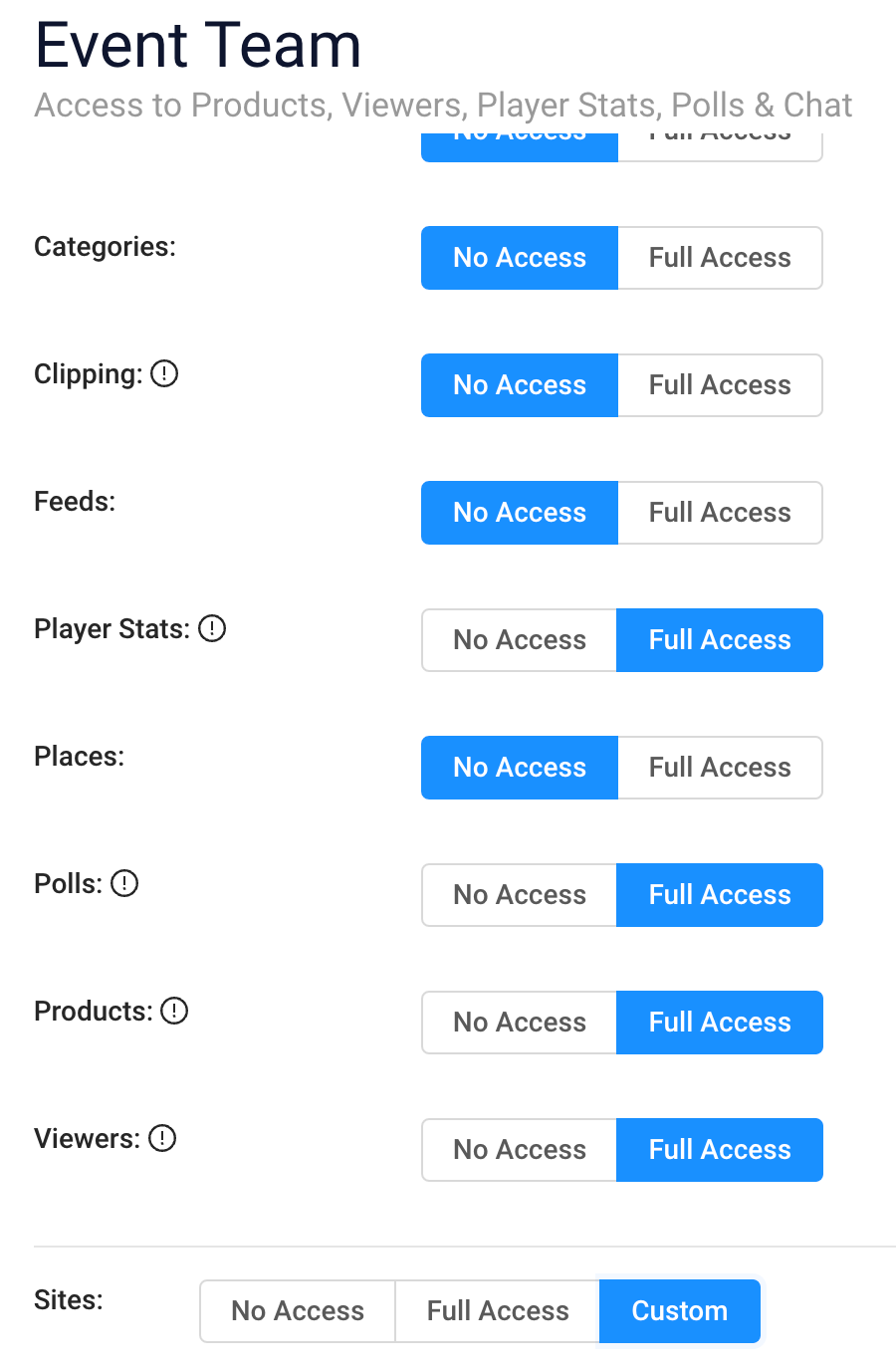
Administrative access for your event team who may need visibility on the majority of the other roles granted during an event. This often includes Ticket sale info, individual registrant info, analytics, and moderation and poll access.
Permissions:
Grant “Full Access” to:
-
Products
-
Viewers
-
Player Stats
-
Polls
-
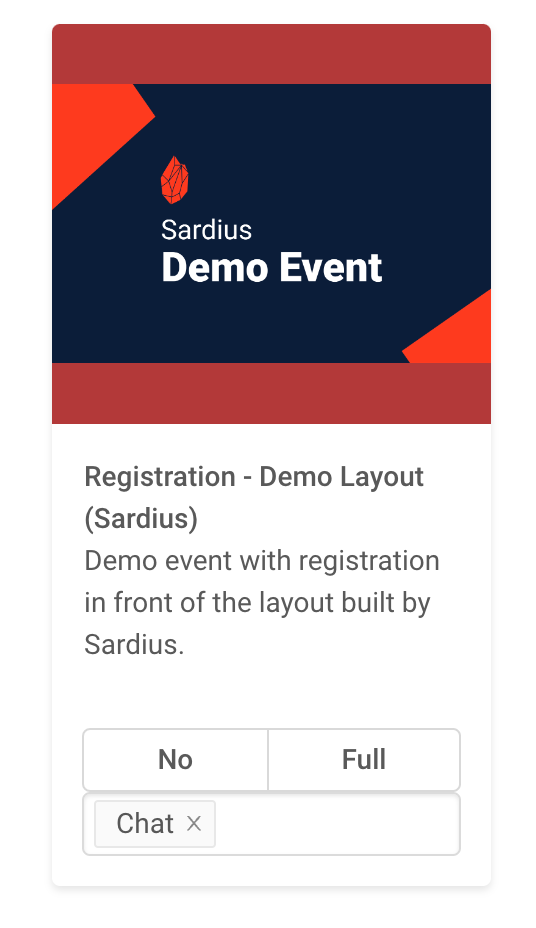
& “Custom” Chat access to your event site
REGISTRATION
Purpose:
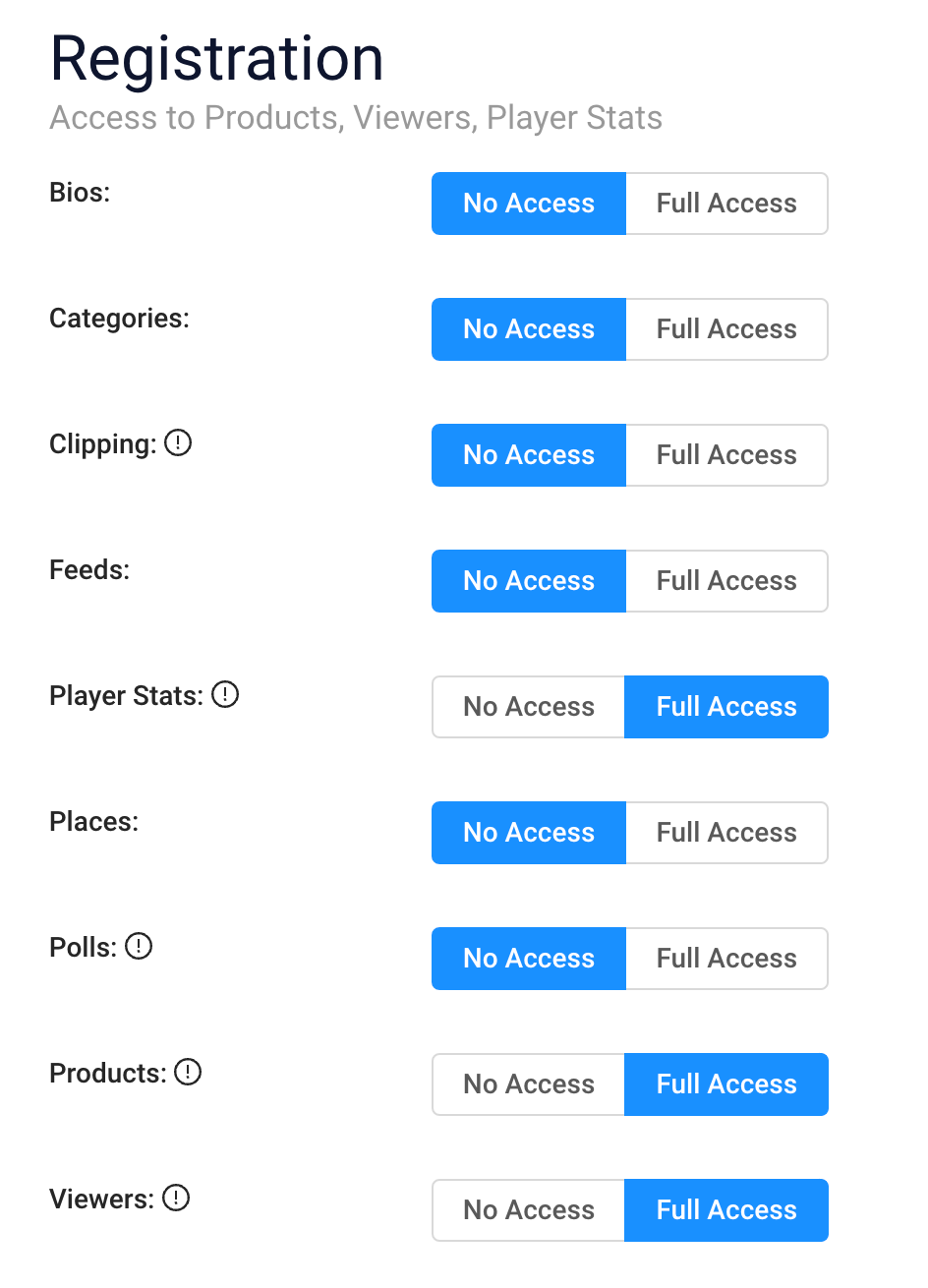
For those who need access to Registration information for reporting purposes or customer service issues. This role gives users access to see Ticket sale information, coupon code usage, customer support info for individual registrants and access to download Viewers CSV reports.
Permissions:
Grant “Full Access” to:
-
Products
-
Viewers
-
Player Stats
MODERATION
Purpose:
For your team who will moderate chat during your scheduled events. This role gives your team of moderators access to the Sardius Moderation area.
Permissions:
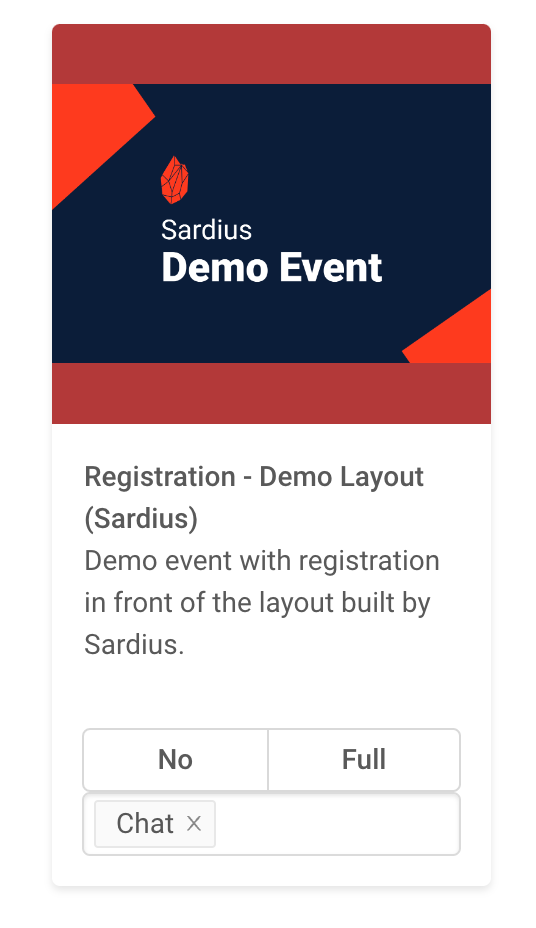
Grant “Custom” access to Chat on your event site
PLAYER ANALYTICS
Purpose:
For members of your team who specifically need access to analytics reporting of video content on your event site.
Permissions:
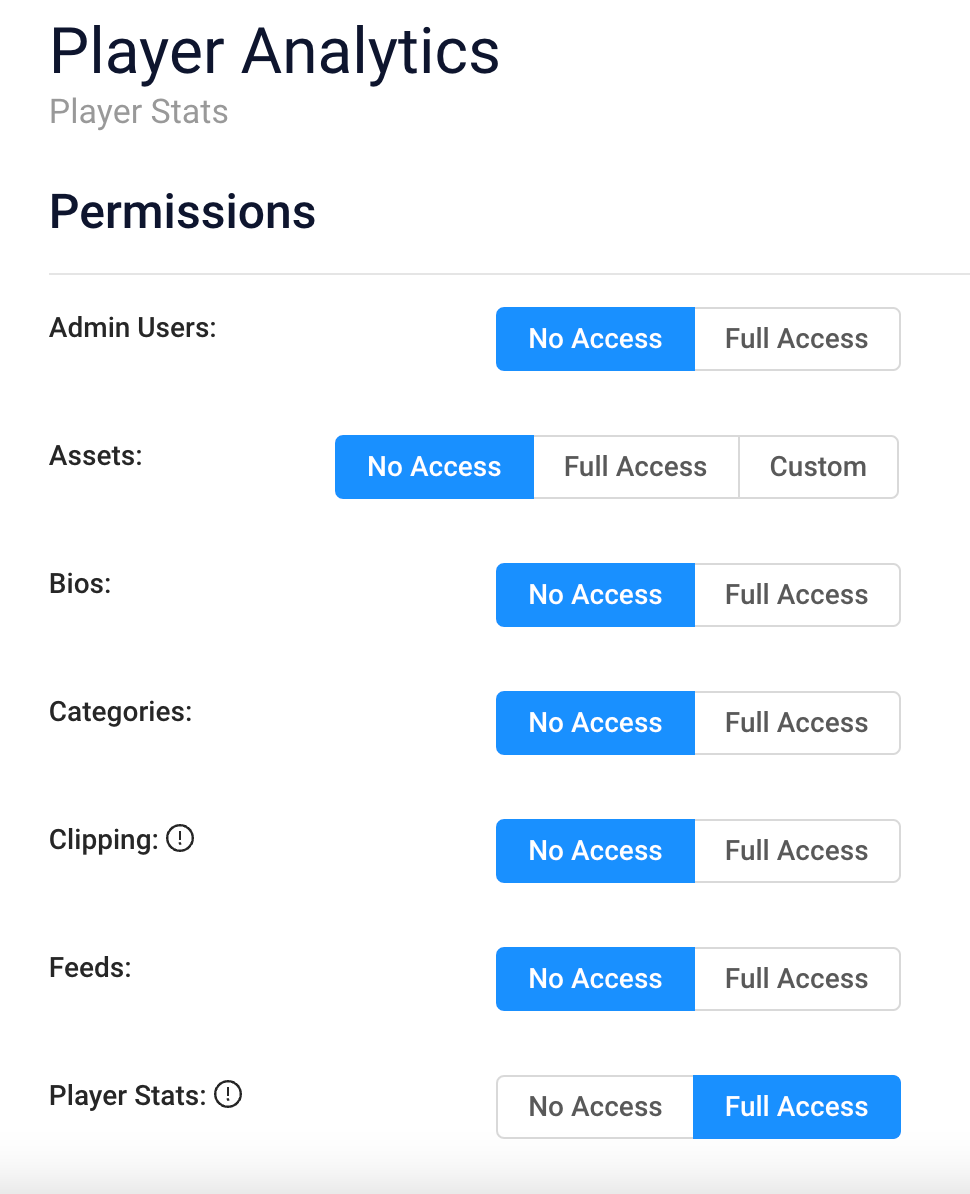
Grant “Full Access” to:
- Player Stats
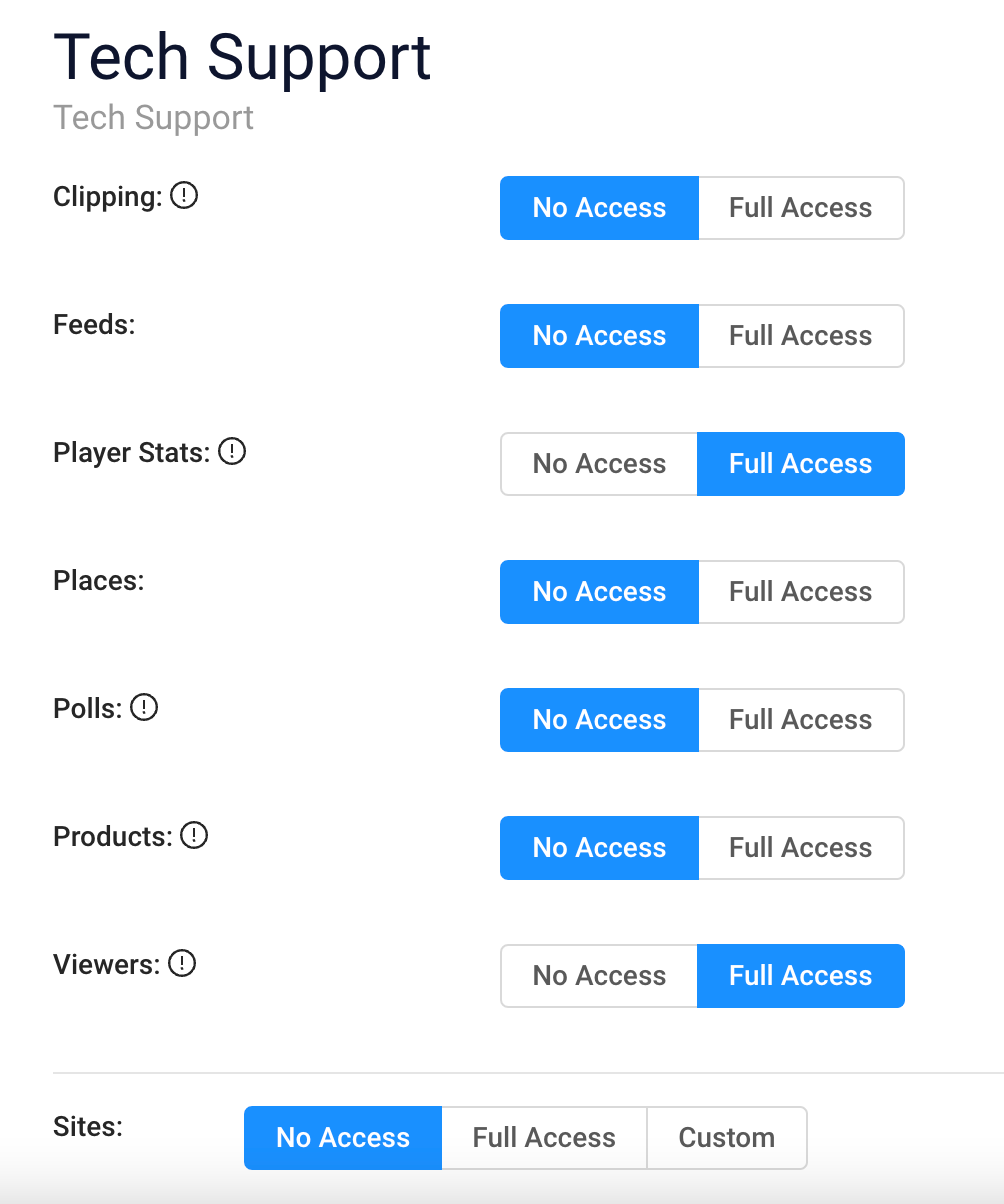
TECH SUPPORT
Purpose:
For customer support teams who may be assisting registrants before or during an event. This role gives access to registrant information as well as user analytics.
Permissions:
Grant “Full Access” to:
-
Player Stats
-
Viewers
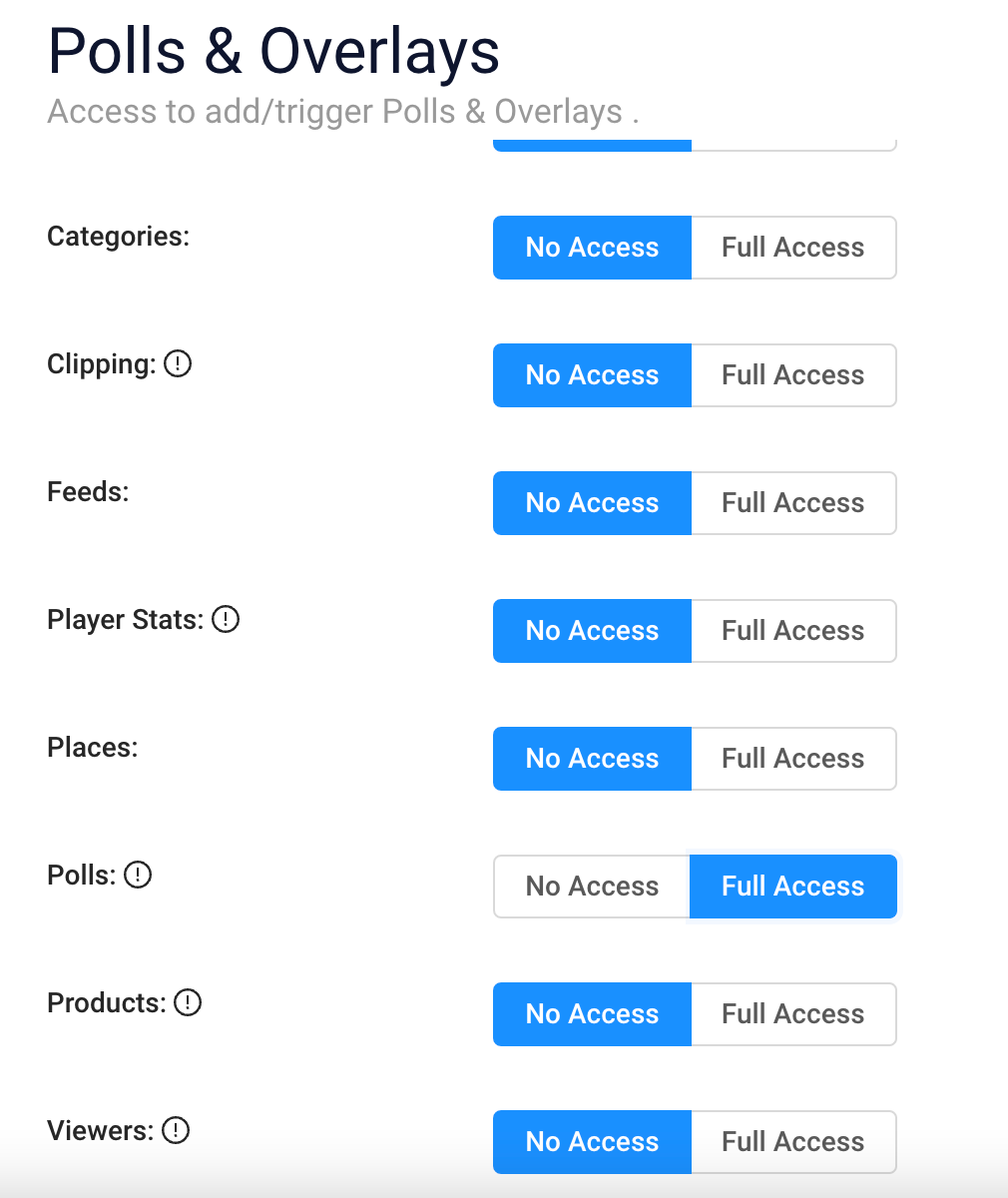
POLLS & OVERLAYS
Purpose:
For event management teams who are using the Polling feature in Chat and Player Overlays during their event. Note: these can be broken into separate roles if needed.
Permissions:
Grant “Full Access” to:
-
Polls
-
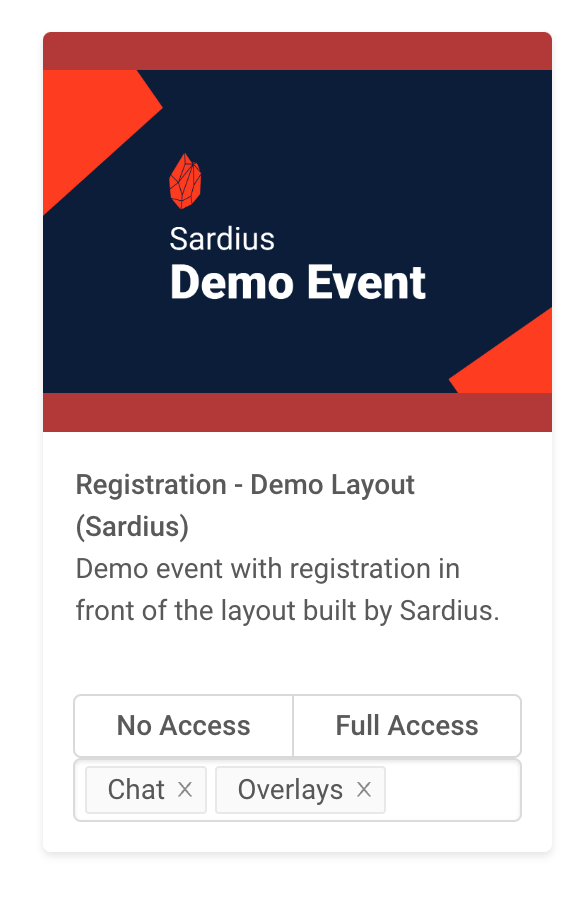
& “Custom” access to Chat & Overlays on your event site