Enable Smart Captions and Smart Cropping for Sardius EMLA Encoders
Updated
Smart Captions
Smart Captions will transcribe your source audio and present English captions to your audience when you are using Sardius Entrypoint.
This feature is only available for HTTP Push Templates.
To enable Smart Captions for your Entrypoint stream, edit your HTTP Push Template and select from the options below.
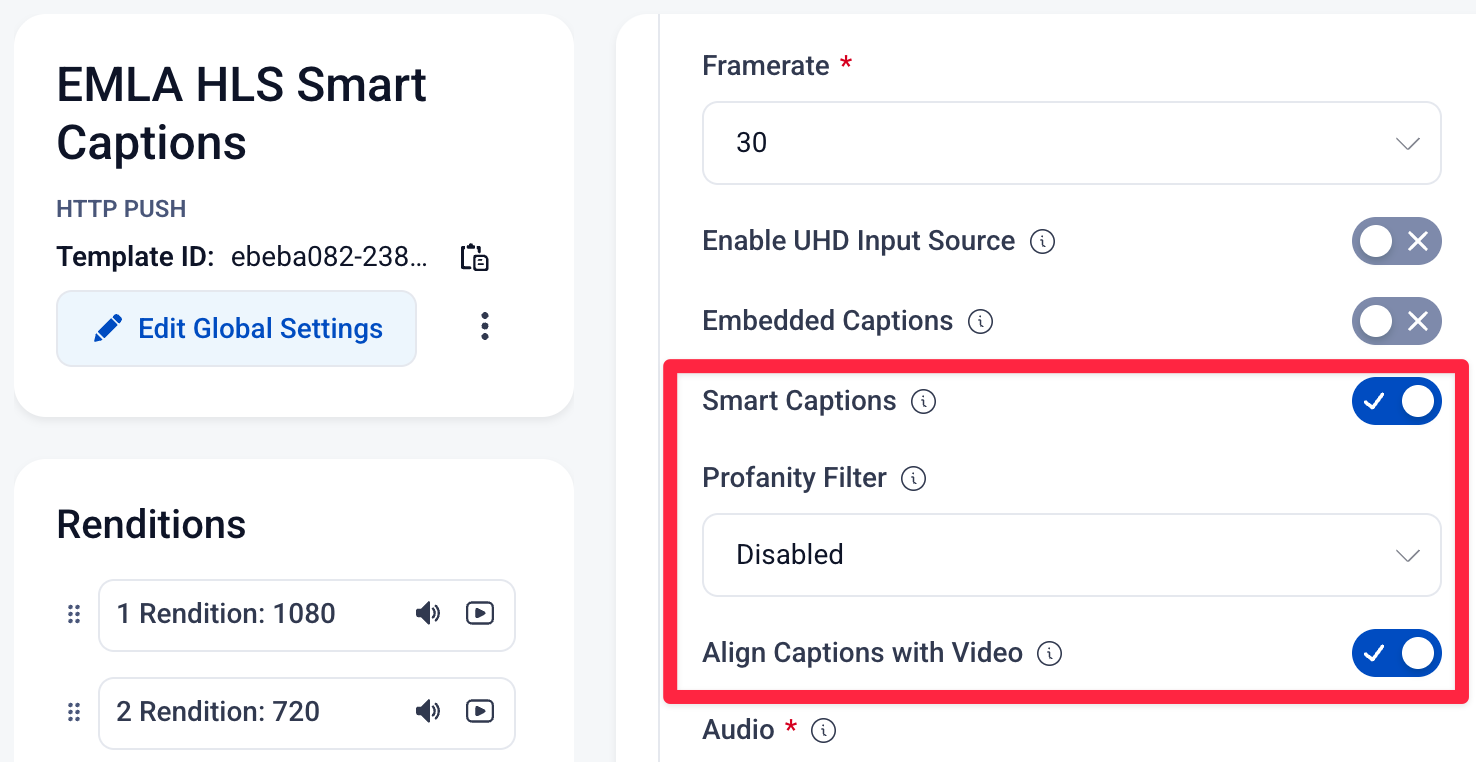
- Smart Captions: Toggle on to use Captions
- Profanity Filter:
- Disabled: This is the default option. This will not filter out offensive words.
- Censor: Replace offensive words with asterisks
- Drop: Remove offensive words from subtitles.
- Align Captions with Video:
- If enabled, the video will be delayed to be in sync with the displayed captions.
- If disabled, the captions will appear as they are generated. Captions will be behind roughly one full HLS segment.
Smart Cropping
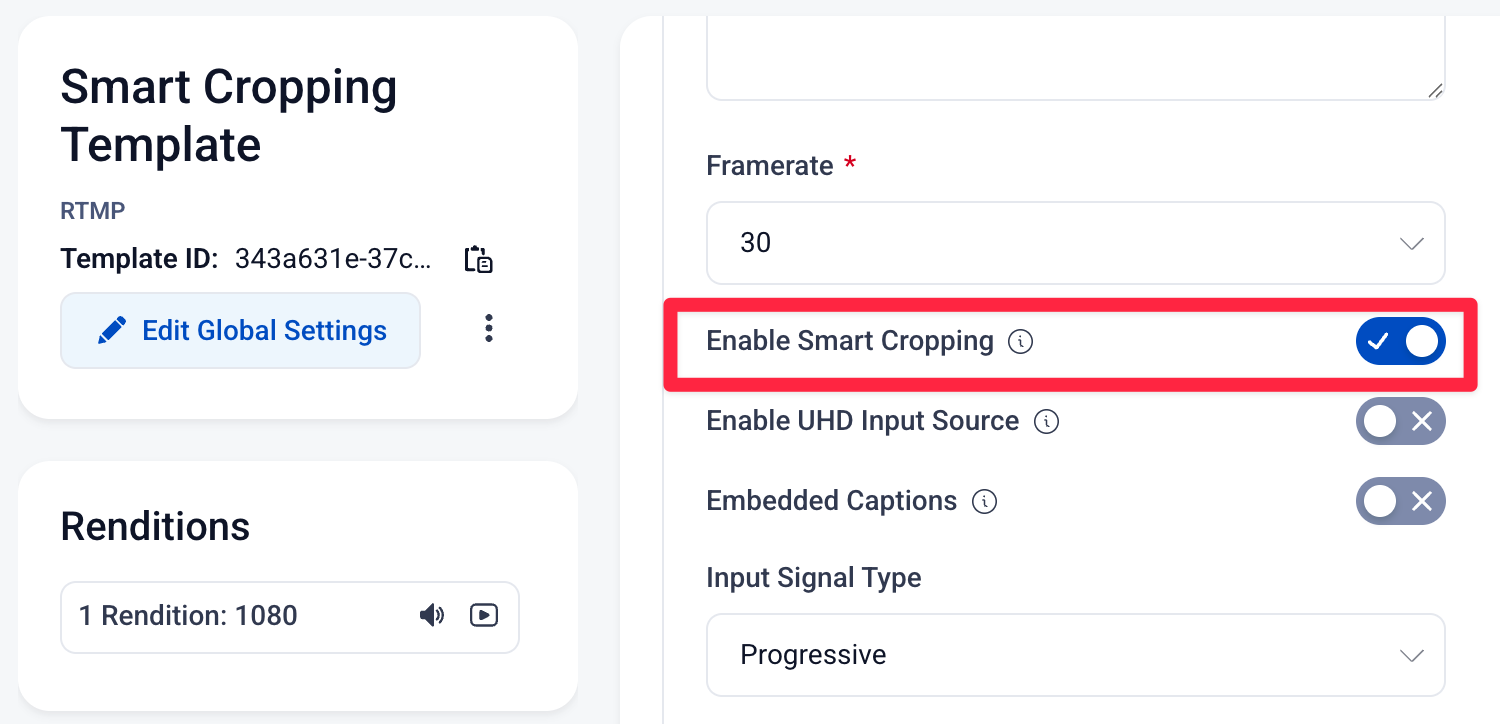
Smart Cropping will take your horizontal video source and utilize AI to crop and pan for a vertical output such as TikTok or Instagram.
This feature is only available for RTMP Outputs.
To enable Smart Cropping for your RTMP stream, edit your RTMP Template and toggle "Smart Captions" on.