
Add an HLS Output
Updated
This tutorial will walk you through how to add an HLS Output to your Sardius account. HLS Outputs are commonly used to stream to CDNs such as Akamai, or for Haivision Connect DVR workflows.
Note: Before you proceed, make sure you have the following:
- The destination URL for the encoder to send to
- The playback URL to view your HLS stream
If you have questions about where to find these items, please contact Sardius Support.
Create Your HLS Output
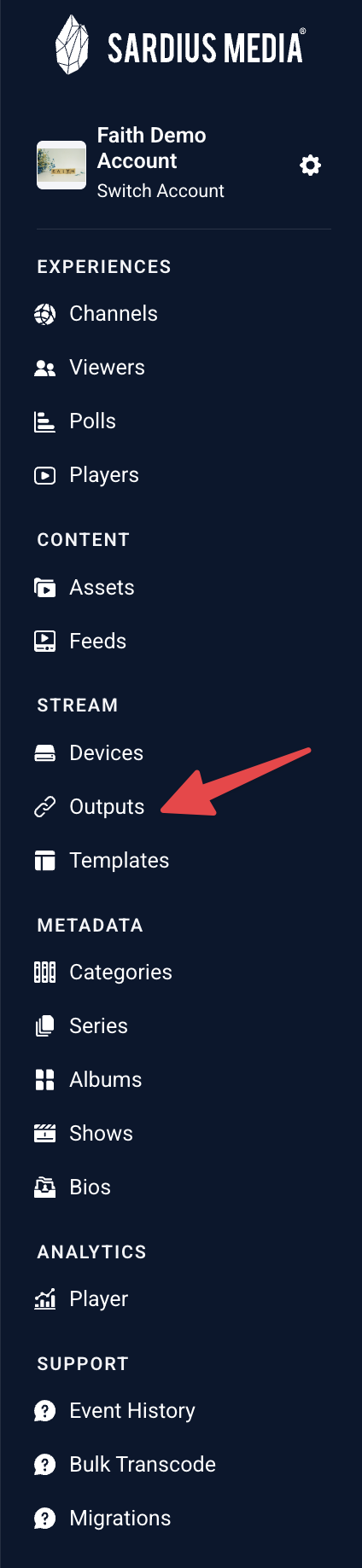
- Access the Outputs section of the Sardius Control Panel by locating "Outputs" on the sidebar.
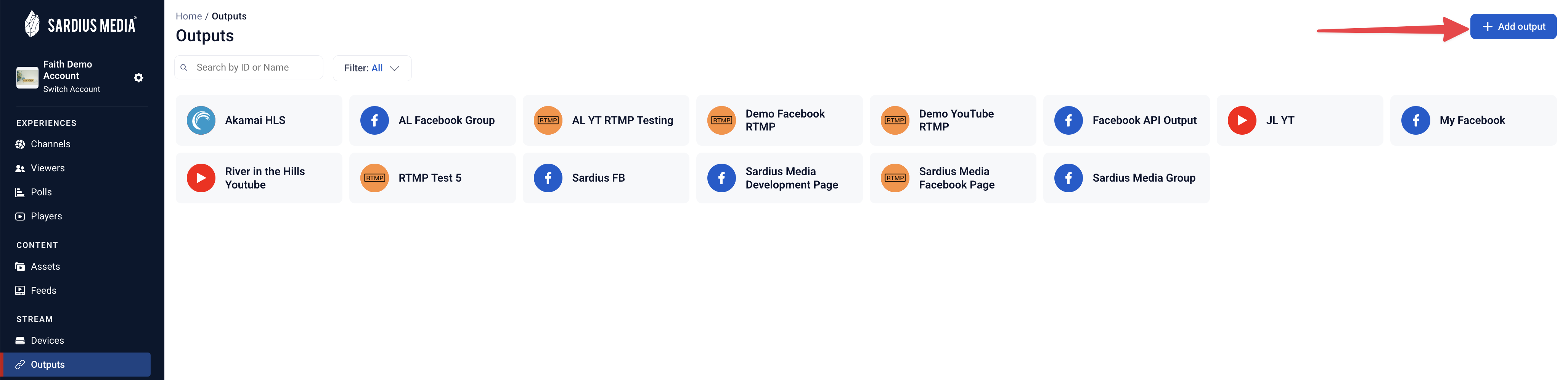
- Click "Add Output" in the upper right-hand corner.
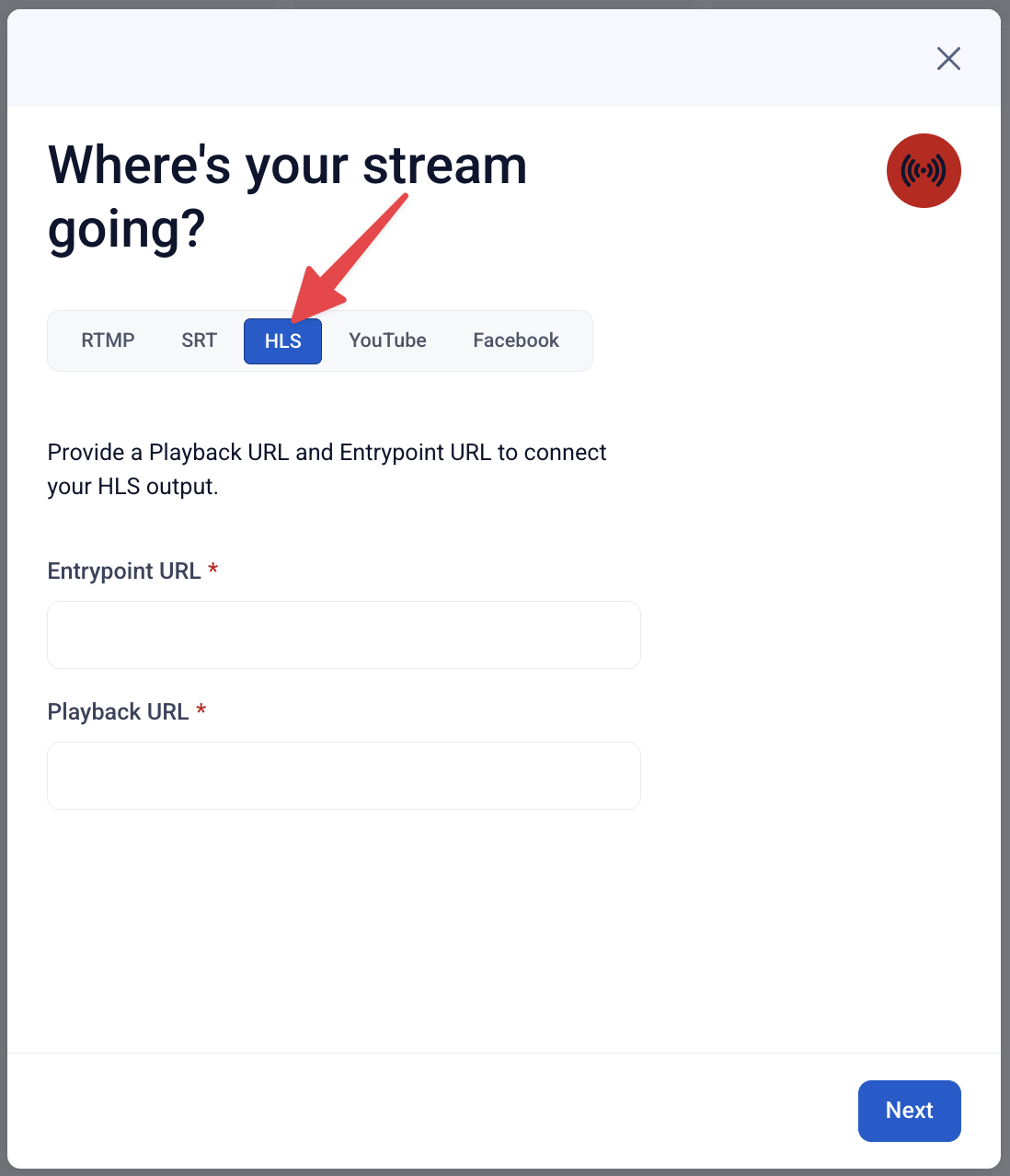
- A modal will appear in the center of the screen. Select the HLS tab.
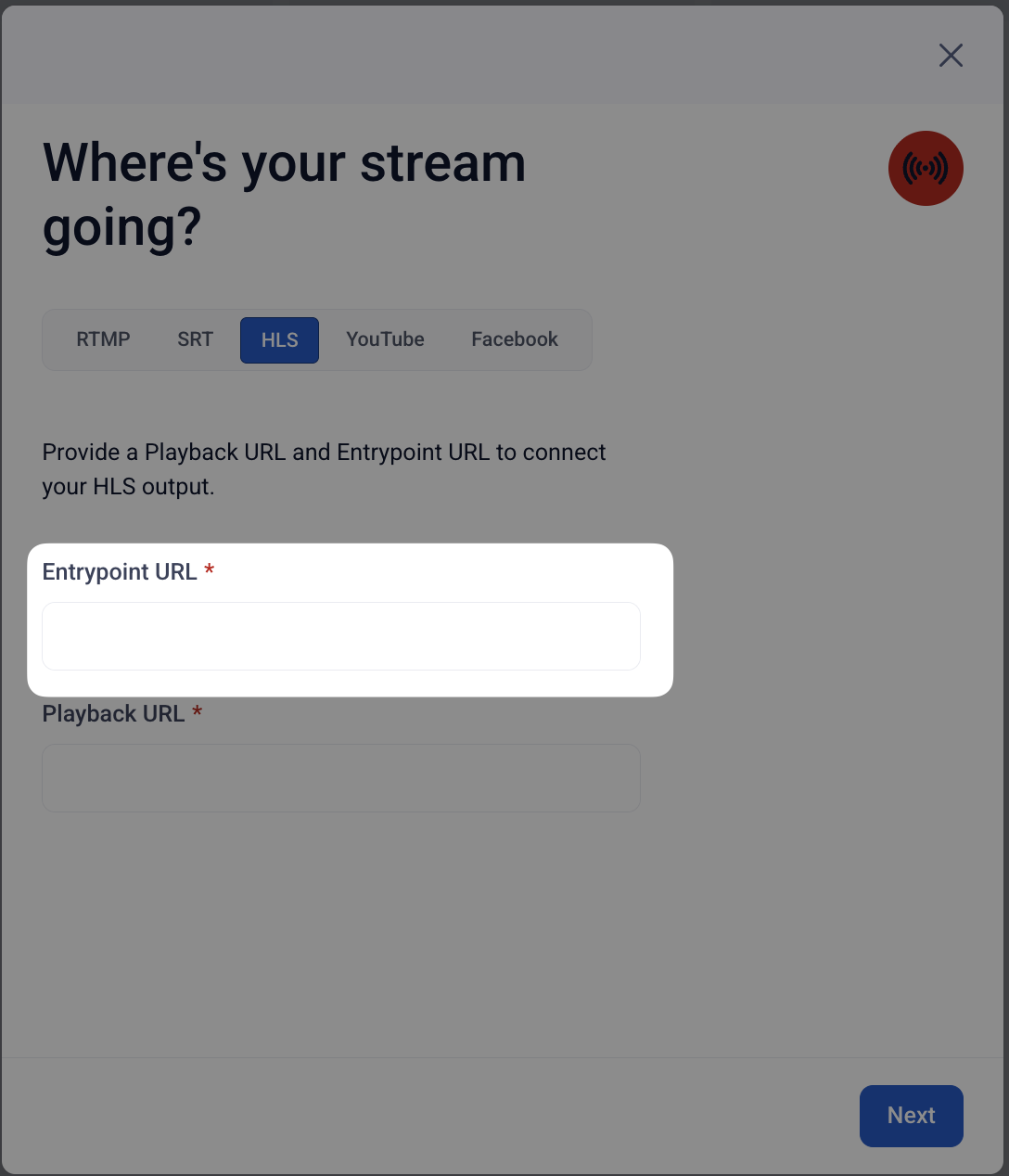
- Enter the HLS Entrypoint URL. By default, the encoder will append playlist.m3u8 when it uses the output. If you would like to use a different manifest name (such as index), be sure to include that in your destination URL.
- Enter the Playback URL. Make sure the manifest filename at the end of the URL (e.g., .m3u8) matches the one used in your destination URL. For example, if your destination URL uses index, your playback URL should end in index.m3u8.
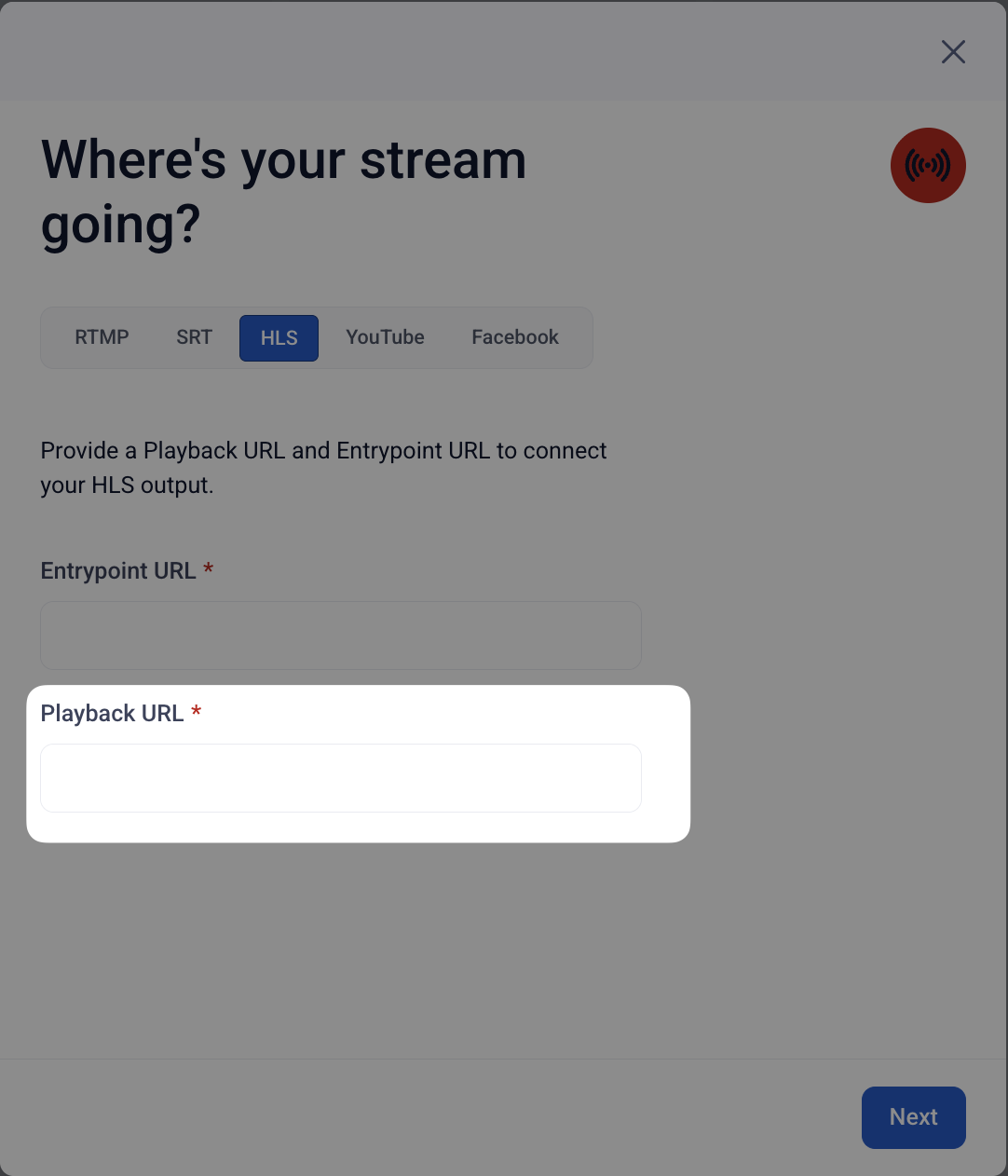
- Review the information carefully, then click "Next."
- Assign a name for your output. If desired, you can also add a description.
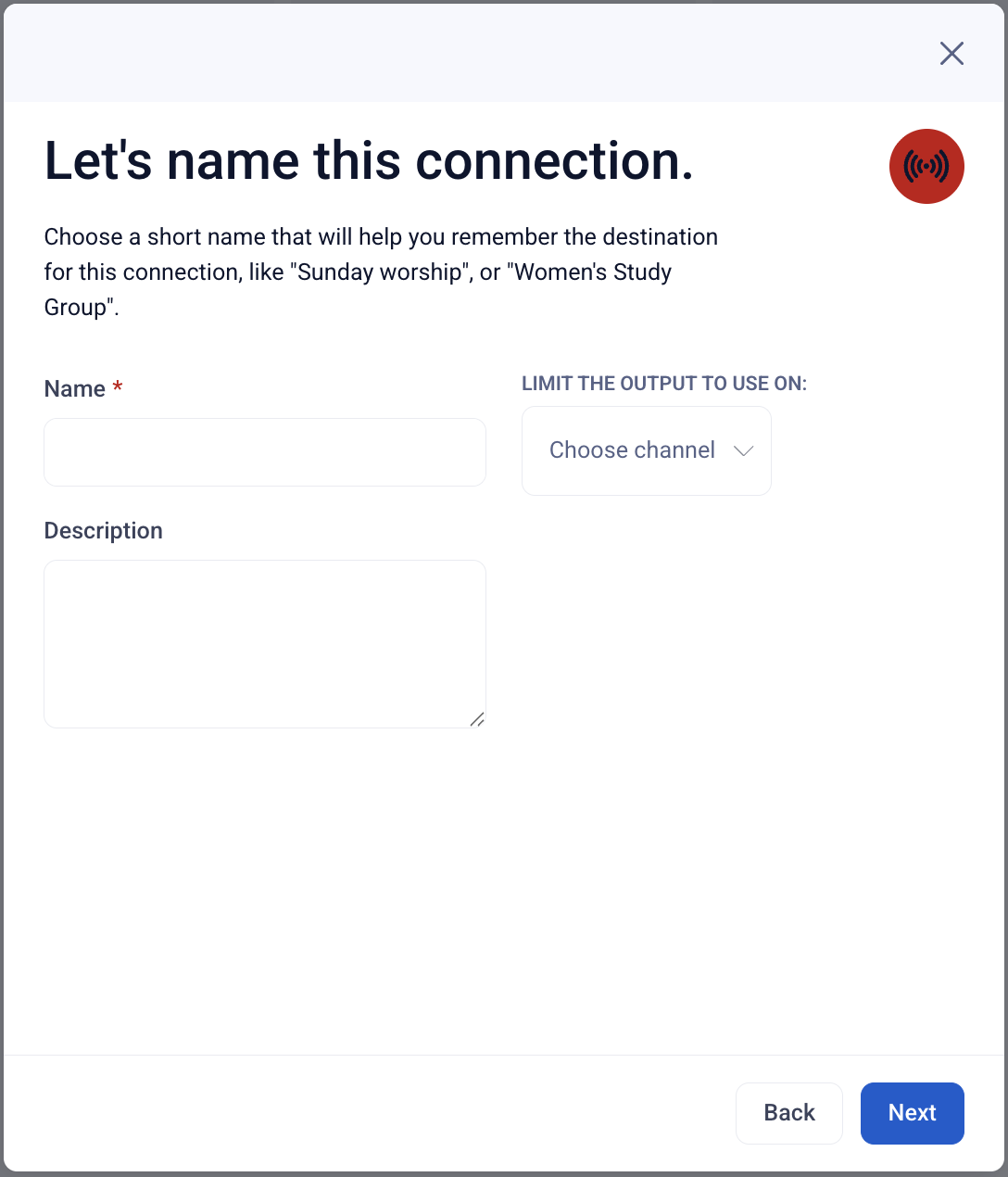
- If you wish to limit the output's connection to a single channel, make that selection here.
- Click "Next" when you're done, then take a moment to review all of your settings.
- If everything looks okay, click "Add Connection."
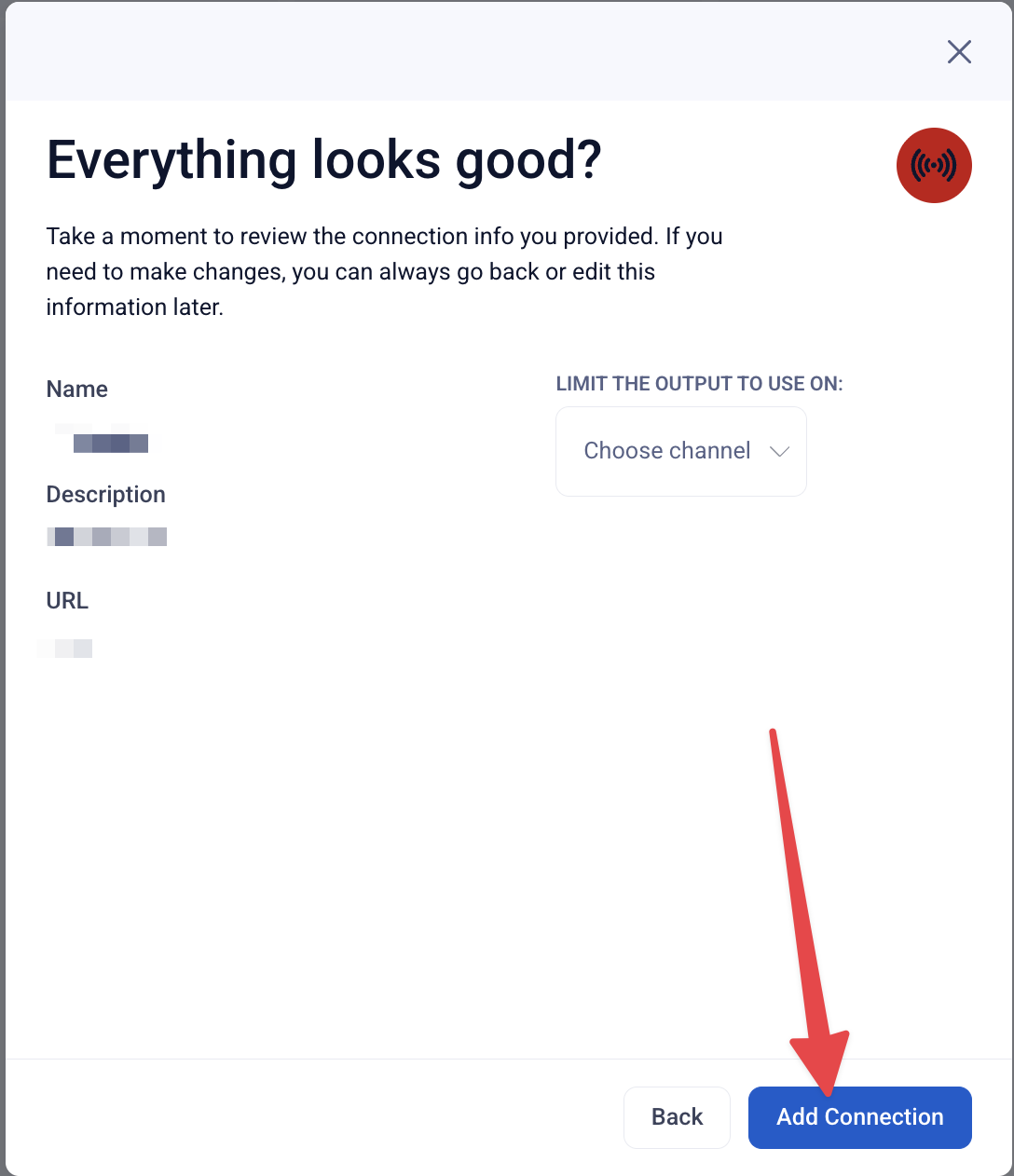
Congratulations! Your HLS Output is ready for use. You can now connect this output to any channel or event that is utilizing a supported encoder such as the Sardius EMLA Encoder.
At any time, you can access the Outputs section, select this output, and edit any of its settings.