
Updating a KB License
Updated 1 min read
More in Kulabyte (KB)You’re on: Updating a KB License
With support for the Haivision KB encoders going away at the end of January 2024, Haivision has begun sending out new License Keys to allow users to continue using their encoder until the year 2036.
You've just received your code, but what do you do with it...?
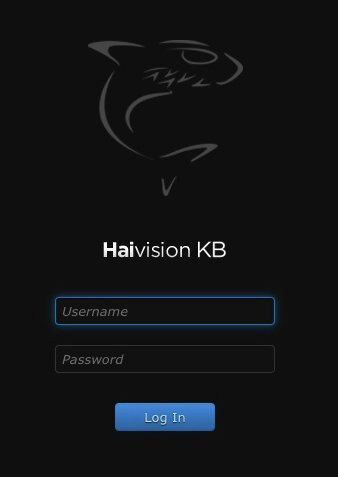
1. Log in to you KB encoder.
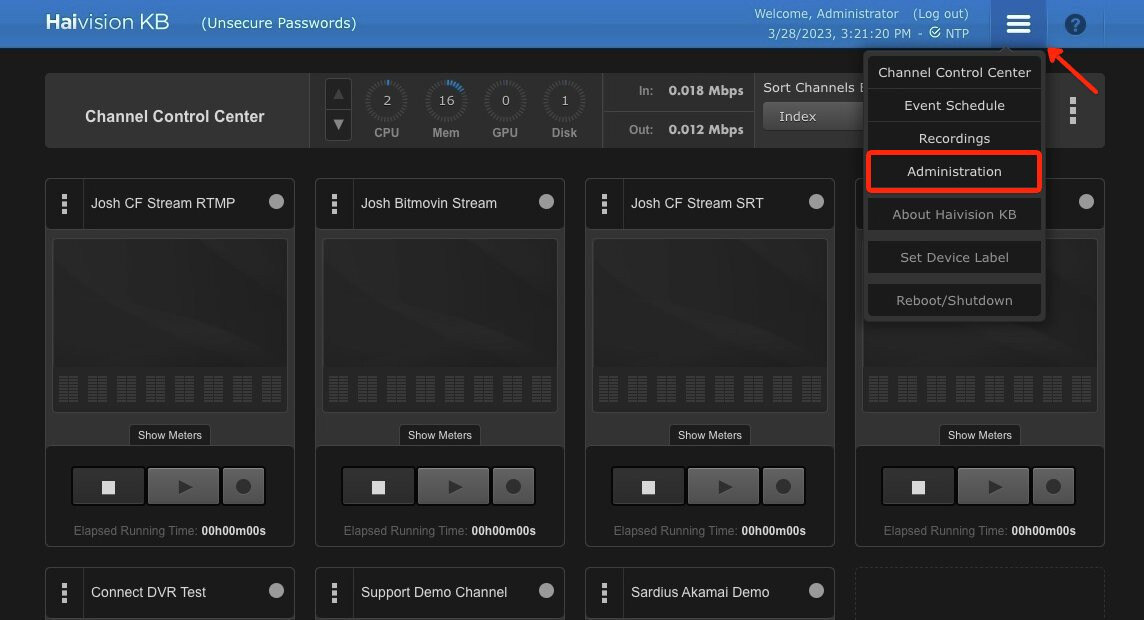
2. Click the hamburger button. Select Administration from the drop down menu.
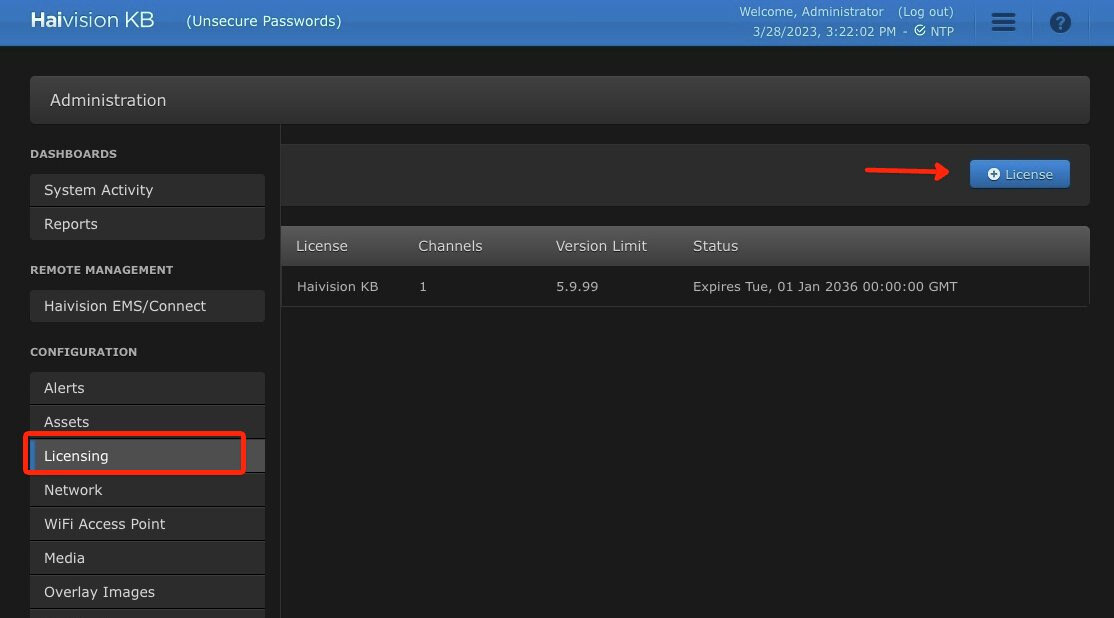
3. Select Licensing on the left-side column, and click the +License button
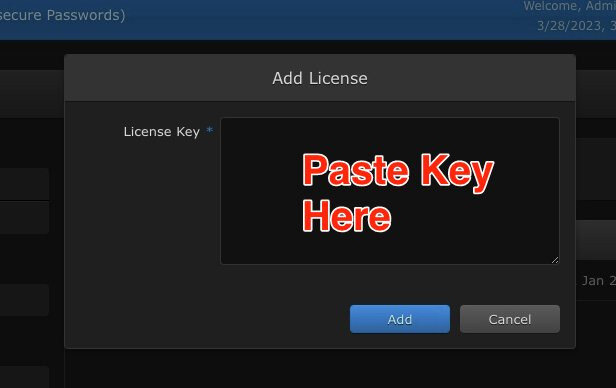
4. In the pop-up window that appears, paste the license key (as provided by Haivision) into the window and select Add.
The KB's license will update, and the encoder will be good for another ten years.

Did this answer your question?
One click tells us which pages to fix first.