Viewers - Overview
Updated
The Sardius Control Panel allows you to filter and export Viewer Information for your Channel. From the Viewers section, you are able to review the Viewer’s:
- Profile Information- includes Account Information, Custom Registration fields (if using Sardius Registration) or external ID and Event ID information (if using a registration integration), Magic Link option, Account Status and Access info
- Email History- only relevant if using Sardius Registration system
- Media History- individual Viewer analytics that reveals What the user has watched, Where they have watched from, When they watched and How they have consumed content
- Transaction History- only relevant if using Sardius Registration system
- Active sessions- shows how a Viewer is currently accessing a session (real-time info)
This is also the area where you can Create Magic Links for Viewers to give them direct access to a Channel or Event Watch Page or export a CSV of your Viewer information for your internal use.
Accessing the Viewers area
To access Viewers, click on Viewers under the Experiences section in the left sidebar.
This will take you to a full list of Viewers that have been added to your account through authentication (via Registration, CSV import, or other integration option).
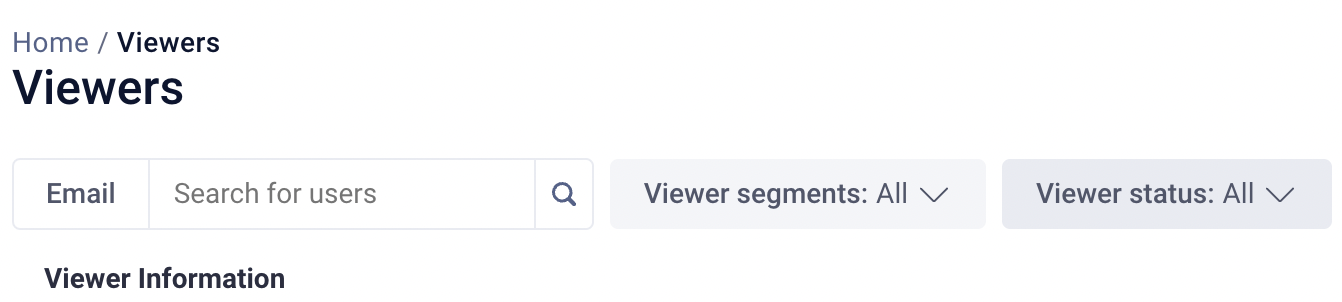
Once inside the Viewers area, you can use the Filters to find Viewers for a specific viewer segment, filter by active/inactive status, use advanced filter options or search for a specific Viewer.