
How to Access the Sardius Control Panel
Updated 1 min read
More in Getting to Know the Control PanelYou’re on: How to Access the Sardius Control Panel
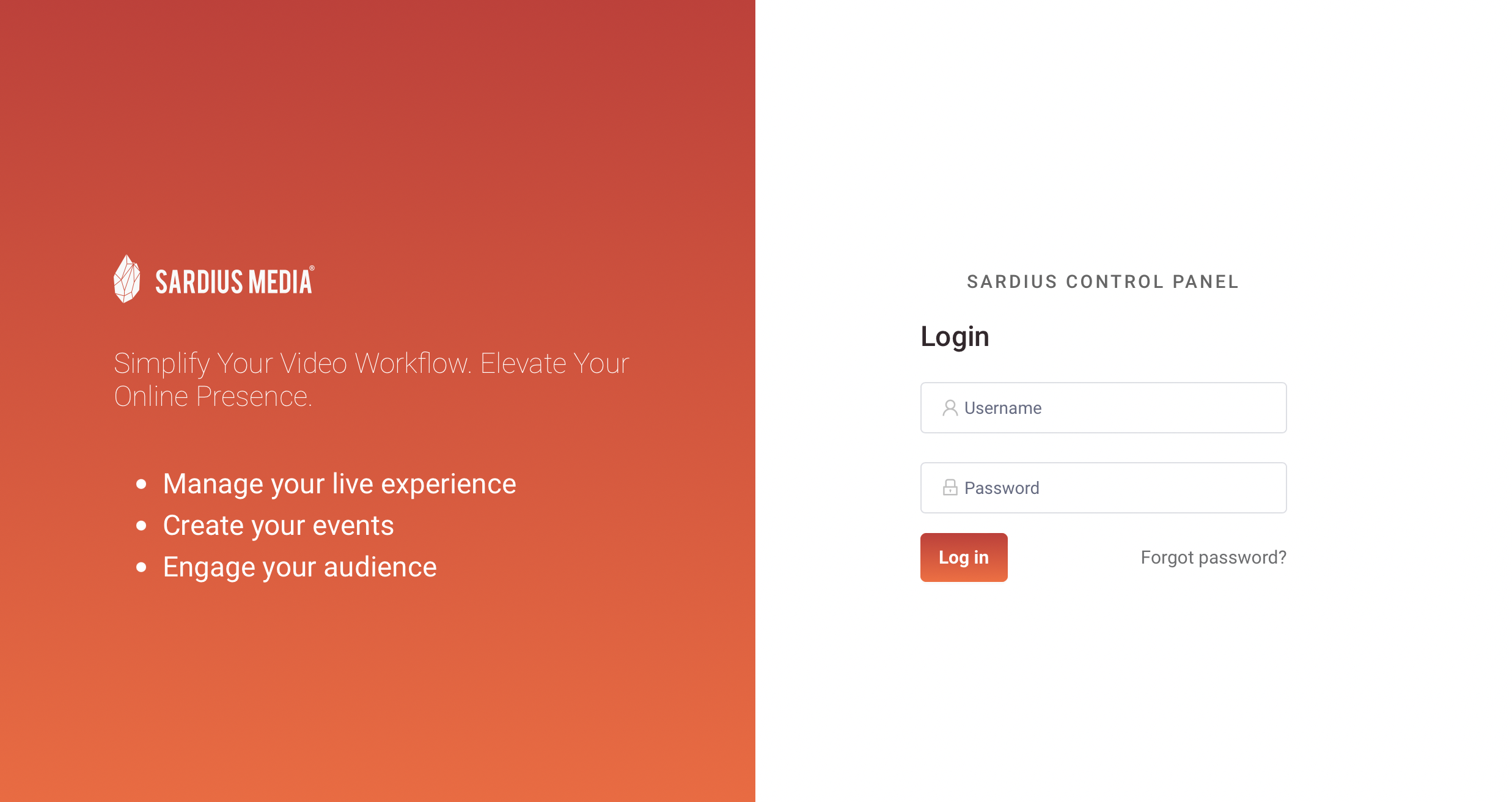
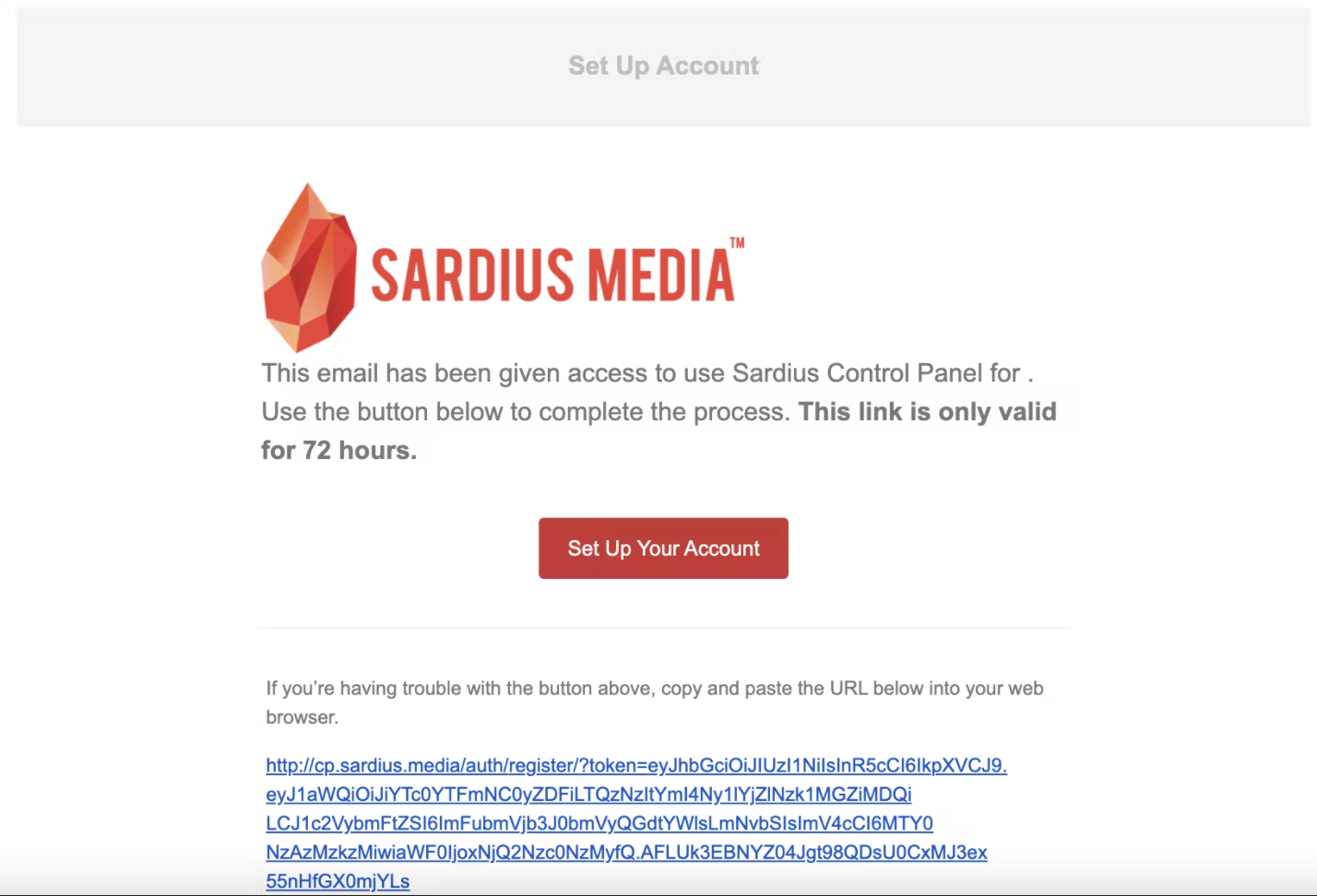
To access the Sardius Control Panel, follow the instructions from the email you will receive from Sardius Control Panel inviting you to create your login credentials.
- Go to https://cp.sardius.media
- Username: use the email address from which you received the invitation
- Create your Password
The direct access link you were sent via email from Sardius Media Control Panel is only active for 72 hours
- If you miss that window of time, you will need to access the site above and use the Forgot Password link to gain access
- Note: Your Username is your email address
Sardius Control Panel Registration Email Sample
Did this answer your question?
One click tells us which pages to fix first.