
Feed Metadata is relevant when using Feeds in a Podcast or TV app, as it allows you to add relevant information that will display in those applications.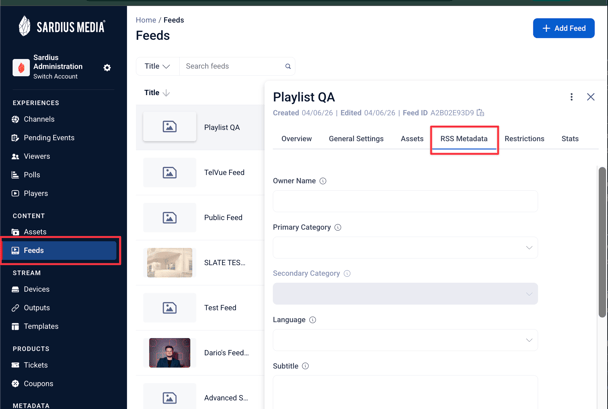
- RSS: Commonly used for Podcasts
When configuring your RSS feed, you can now choose which date is used to populate the publication date field for each item in the feed. Two options are available:
- Air Date — Uses the Air Date set on the asset's metadata. This reflects the original broadcast date — useful if your content aired on a specific date before it was uploaded or made available in the system.
- Available Date — Uses the date the asset became available in Sardius. This reflects when the content was transcoded or imported.
Tip: If your organization consistently sets Air Date on archived assets, selecting Air Date ensures your RSS feed displays the correct broadcast date in podcast platforms and apps — rather than the date the content was processed or uploaded.
- MRSS: Commonly used for TV apps
- Direct Publisher Preview:
Commonly used for advanced TV apps that include a livestream
To add content, type directly in the desired field or select an RSS standard option from the pre-populated dropdown menu.
Be sure to click Update Feed after adding any necessary metadata to this tab.
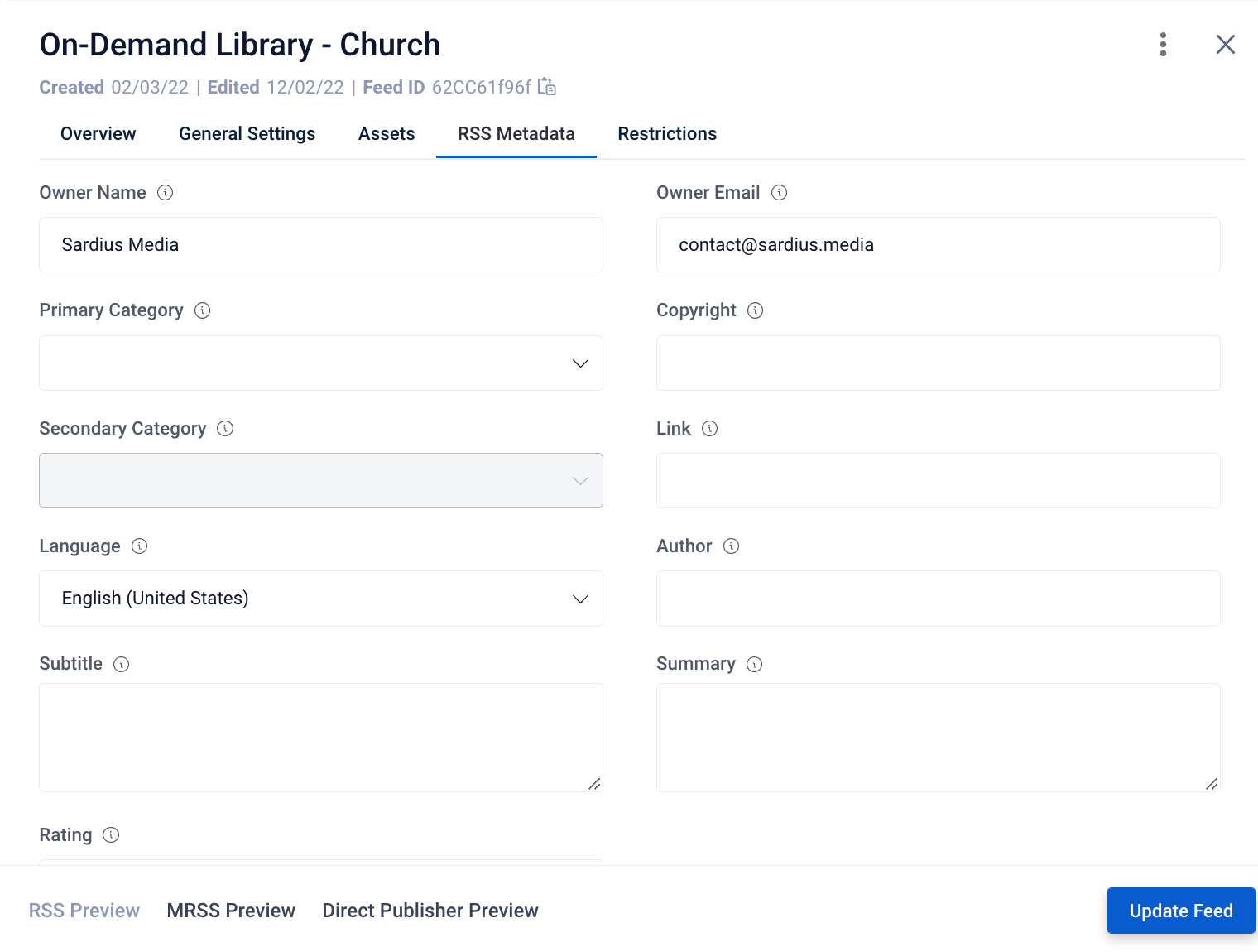
Once you have populated and saved the desired metadata, you can:
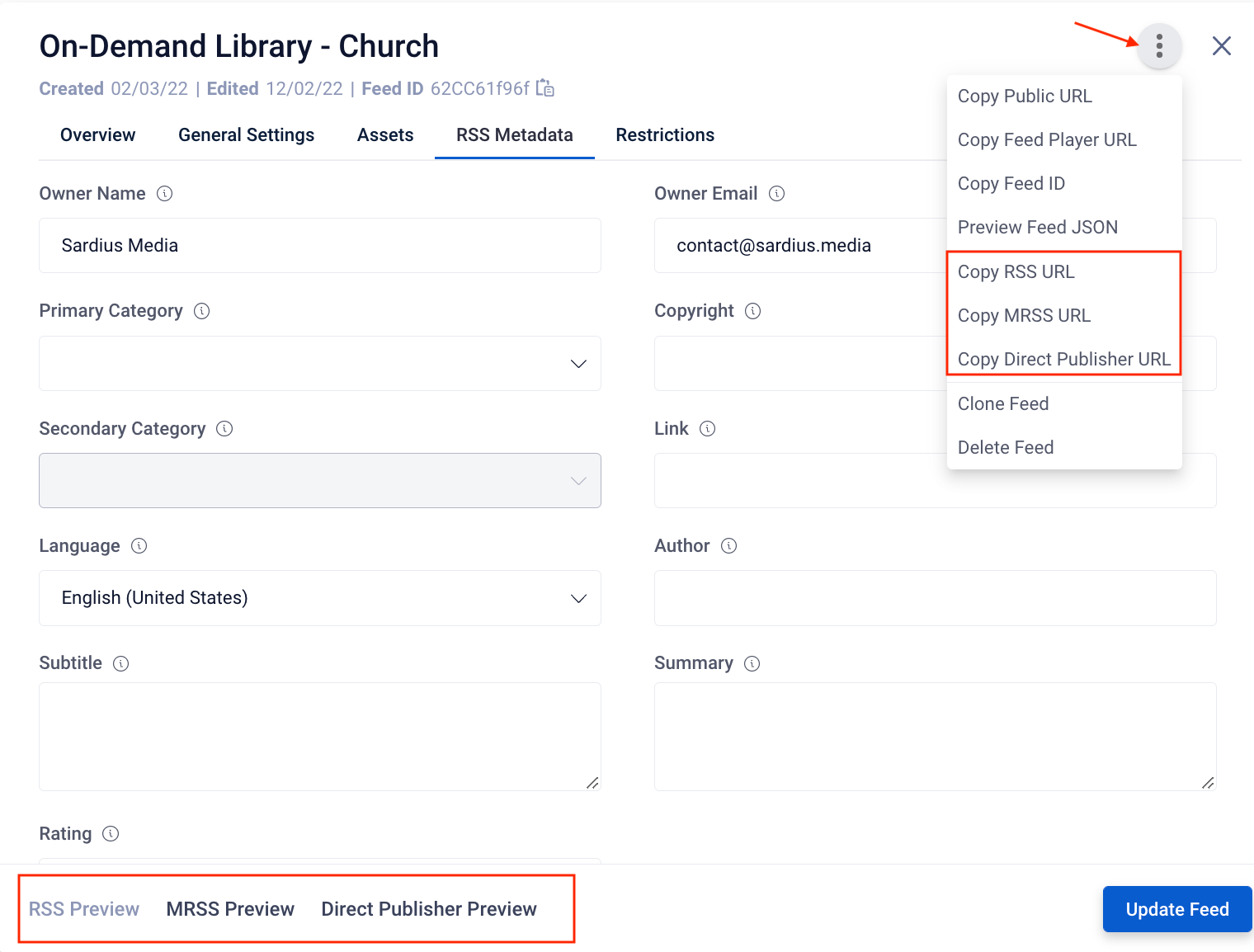
- Access the URL link (and code info) for your metadata using the option from the hamburger menu
- Preview the code for each available option using the Preview links at the bottom of the tab
Helpful Tip: RSS Preview option requires the following fields to be completed in order to work properly:
- General Settings tab: Feed Name, Thumbnail, Description
- RSS Metadata tab: Link