---
title: "Custom HTML Sections (Collection)"
url: "https://support.sardius.media/knowledge-base/custom-html-links-collection-guide"
category: "Layouts (Collection)"
updated: 2026-10-15
summary: "A Custom HTML section lets you add your own markup to your layout. It’s perfect for adding buttons, banners, link lists, and call-to-action (CTA) areas inside your Home Page or My Account sections that point users to internal pages or external sites. How to add a Custom HTML section Open your…"
---
# Custom HTML Sections (Collection)
A Custom HTML section lets you add your own markup to your layout. It’s perfect for adding buttons, banners, link lists, and call-to-action (CTA) areas inside your Home Page or My Account sections that point users to internal pages or external sites.
### How to add a Custom HTML section
1. Open your layout (e.g., **Collection → Home Page** or **My Account**).
1. For **Home Page**, add a Custom HTML Section
2. For **My Account**, choose **Add** under Custom Rows
2. Select Modify HTML to open the HTML editor window.
3. **Copy and paste** one of the provided HTML templates (or your own code) into the editor.
\- You can adapt it with custom text, links, or buttons as needed.
4. Click Save, then check the Channel Preview to confirm the content appears correctly.
### Templates
**1. Simple Text Link (inline)**
This is the most basic option. It turns a word or phrase into a clickable link.
- _Use it for:_ linking to another page (like your “About” or “Contact” page).
- _Example:_ “Read our statement of faith.”
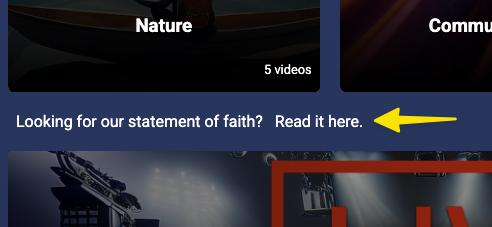
Looking for our statement of faith?
Read it here.
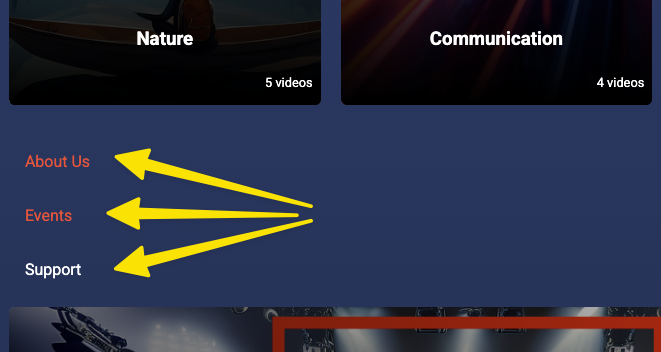
2\. Link List (clean, compact)\*\*
Creates a clean list of several text links stacked vertically.
- _Use it for:_ menus, resource lists, or quick navigation links.
- _Tip:_ Add or remove `` lines for more or fewer links.
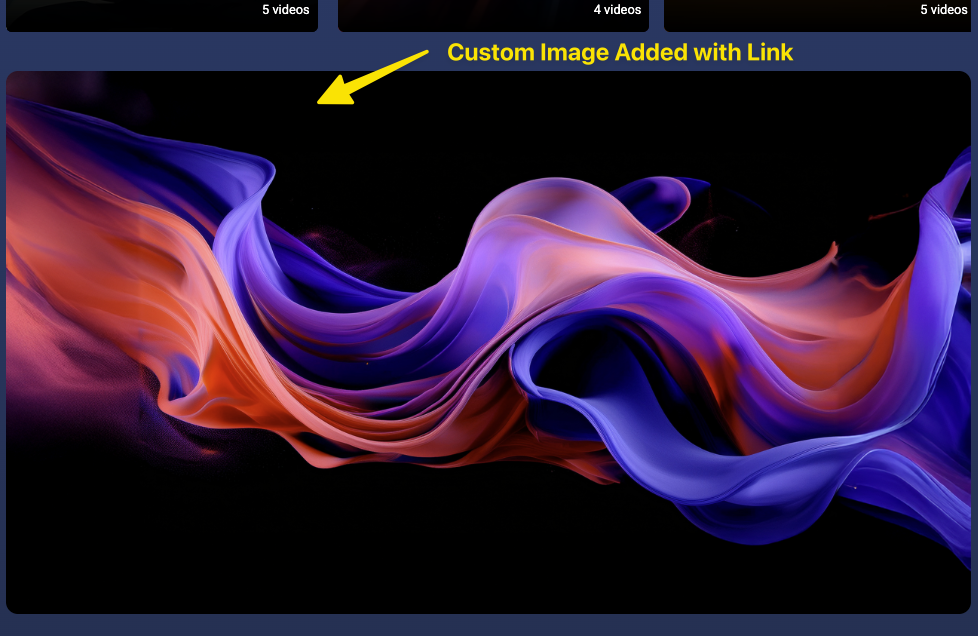
**3. Image Banner → Clickable Link**
Shows a large image that acts as a clickable banner.
- _Use it for:_ promoting a featured series, event, or announcement.
- _Tip:_ Replace the `src` URL with your own image link.
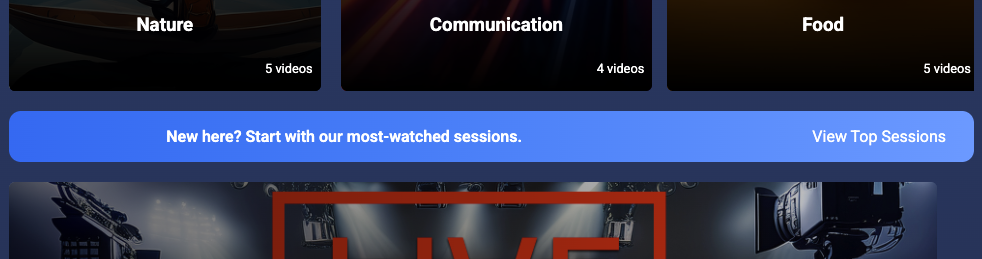
**4. CTA Strip (Full-Width Callout)**
Adds a full-width colored bar with text on one side and a button on the other.
- _Use it for:_ announcements, featured messages, or big calls to action.
- _Tip:_ Adjust the gradient colors to match your site theme
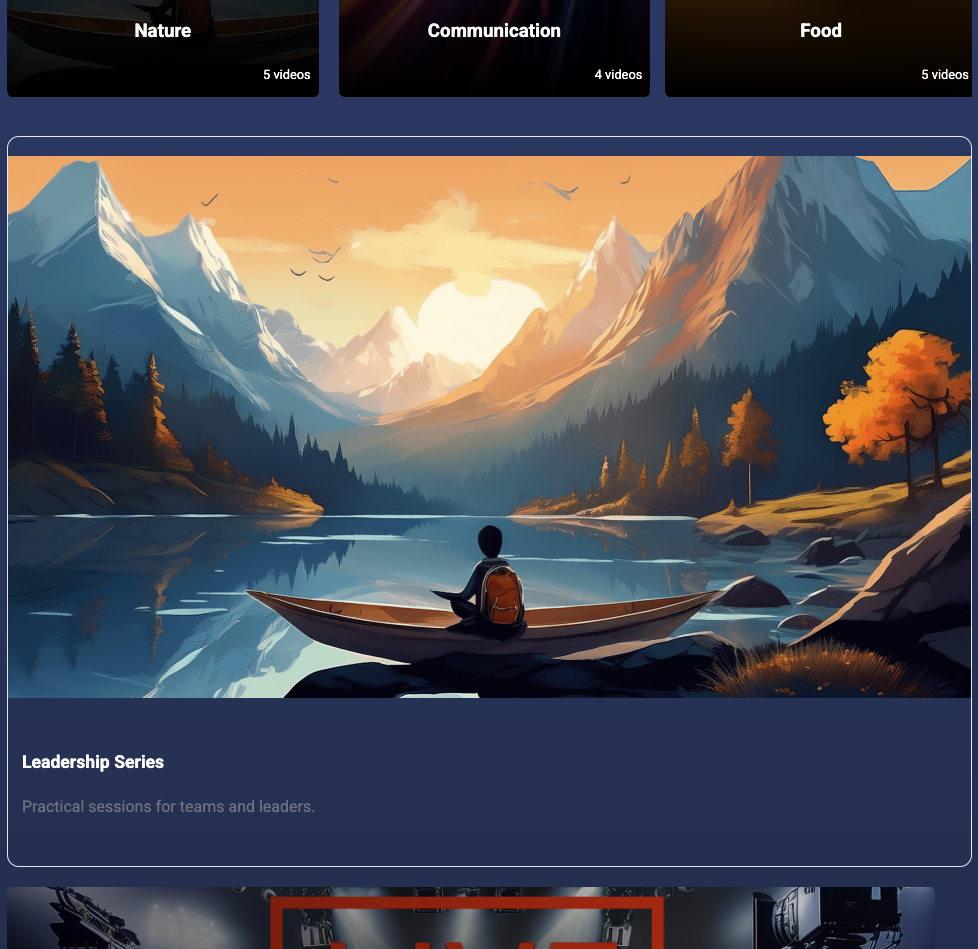
**5. Card Link (Image, Title, Description)**
Shows a clickable “card” with an image, headline, and short text.
- _Use it for:_ featured content previews (like a sermon series or event).
- _Tip:_ Replace the image and text to match your content; users can click anywhere on the card.
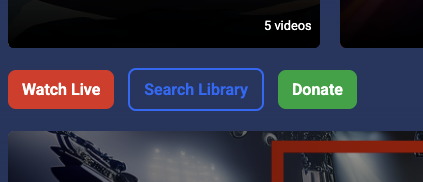
**6. Quick Copy Block (Mixed Links)**
Combines multiple buttons with different colors or actions in one flexible row.
- _Use it for:_ quick-access buttons at the top or bottom of a page.
- _Tip:_ Adjust colors to create a visual hierarchy (like red for “Live” and blue for “Search”).
---
[<-- Return to Collection Overview](https://support.sardius.media/knowledge-base/customizing-the-collection-20-layout-overview)